Your Windows, everywhere

SkyDrive: Any file, anywhere

SkyDrive tile on the Start screen

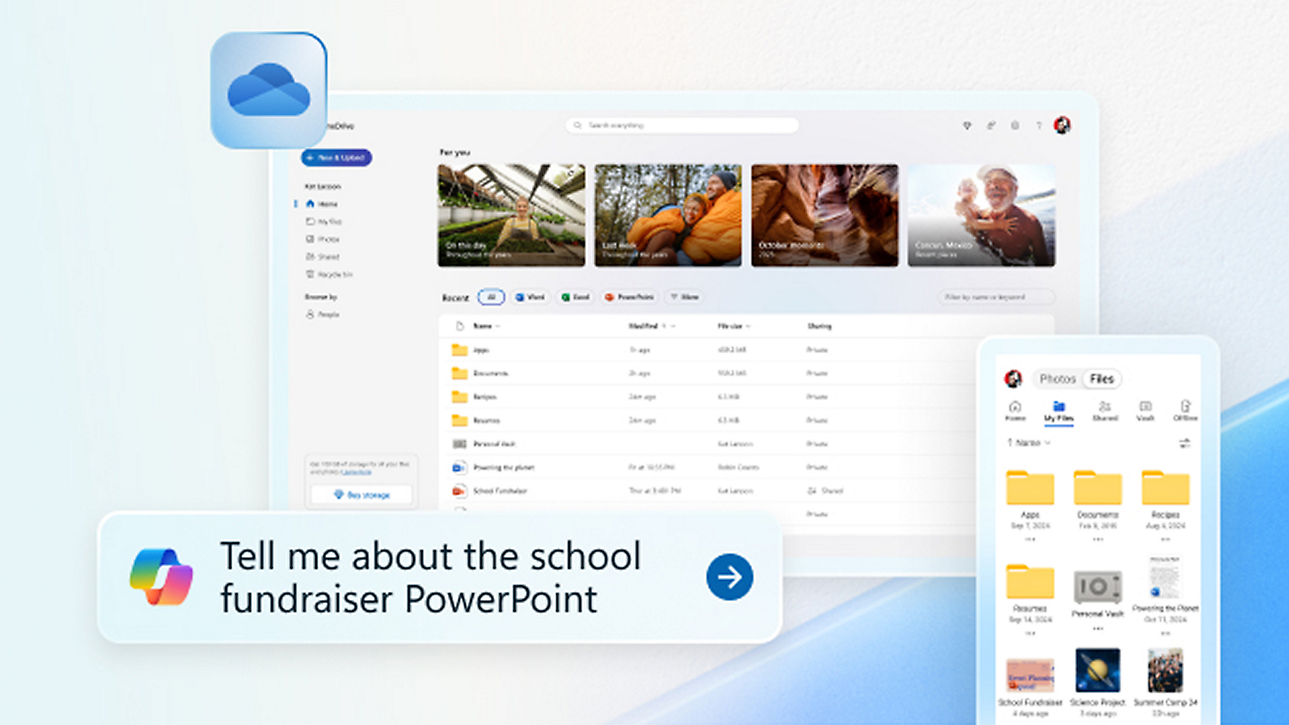
Use SkyDrive to stash your files on your hard drive and in the cloud, and get to them no matter where you are. Your stuff is available on multiple PCs, your phone, and even non-Windows devices with the free SkyDrive app installed on them.

Works well with others

SkyDrive on two different PCs

Start a project on one PC and finish it on another. Collaborate freely and always have the latest version of your files. You—and whoever you work with—can use free Office Web Apps to edit shared documents on SkyDrive and immediately see each other's changes. You don’t even need to have Office installed. Share whatever files you choose, with whomever you choose, and make the rest private.

Span time, space, and PCs

Woman at flower shop using a PC

Sign in with your Microsoft account to any of your PCs running Windows 8 or Windows RT and immediately see everything that makes Windows yours: your background, your display, your settings. You can even get to your apps on as many as five different PCs. And when you get a new Windows PC or Windows Phone, the People app can come to life with info from your social networks.

In short, your stuff and your info isn't limited to any single PC or device. Because you’re bigger than any box.

Download Windows 8

Breathe new life into your PC.

Get started

Windows 8


Explore a new generation of tablets and computers.

The easy way to get any file, anywhere.

A guide to getting started with Windows 8 and Windows RT.

Using Windows 8 and Windows RT to power through your tasks.